Steadier frames
under fire.
Your PC, tuned by hand in one remote session, checked before you play. The things you rely on keep working.
Quoted per machine before we start
Clients, after their session
Sent in by clients after their session, names hidden. Every picture is marked so it cannot be passed off as someone else's.
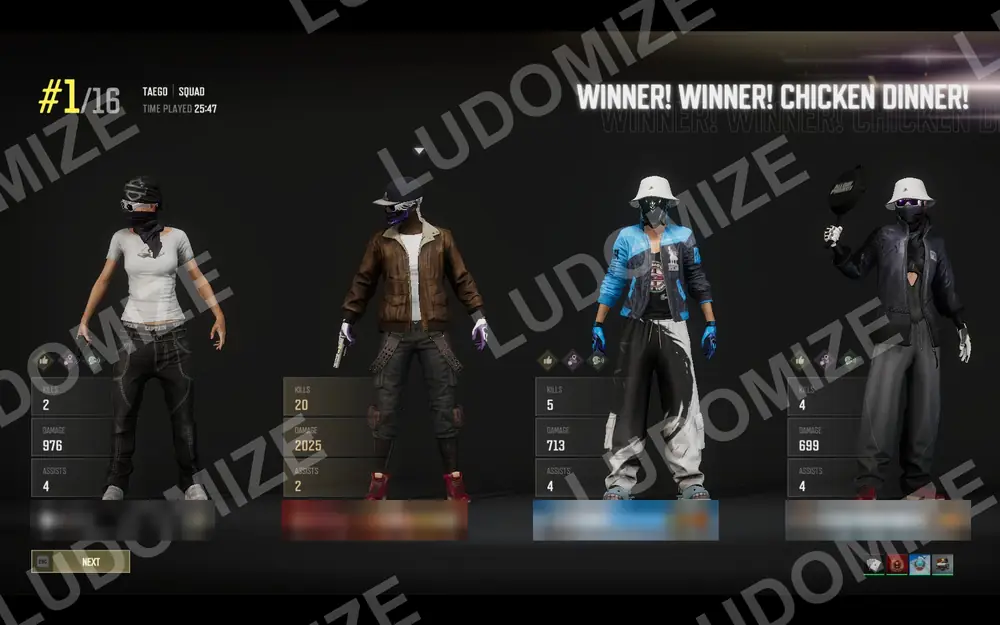
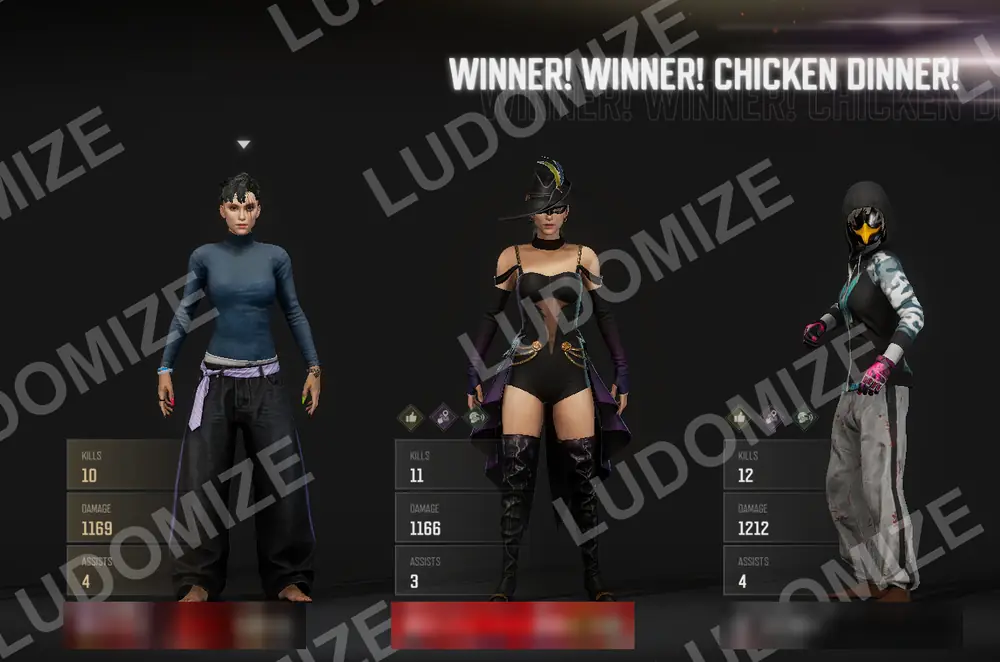
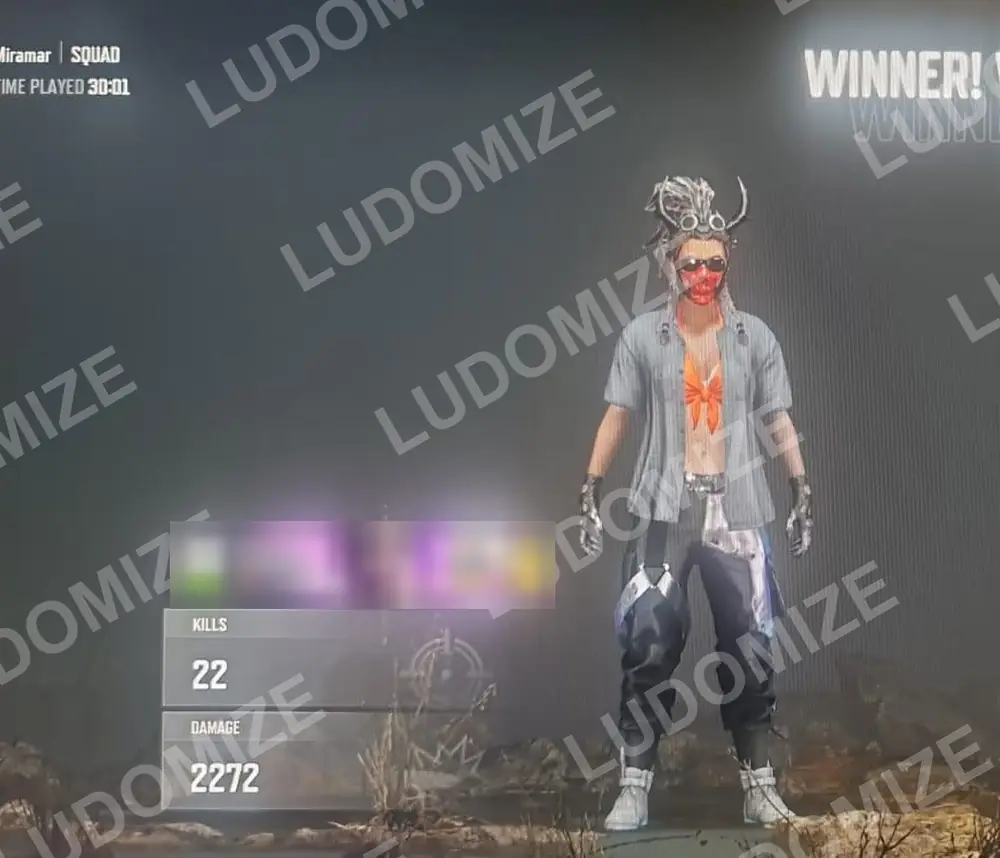
“Absolutely speechless on how my PC feels after you have optimised it. Gameplay is very smooth and responsive. Screen hitching and stuttering, completely eliminated on PUBG. Consistent frame rates, which helped me win multiple gunfights where I used to lose before.”
“Played 6 games of scrim today. Performance was really good, really responsive. A whole different world.”
“Game feels amazing so far, feels super responsive compared to before.”
Three things you feel in the first match
Steadier frames in fights
Frames stay even when the fight gets busy, which is when it counts.
Set up for how you use the PC
Gaming only, gaming and streaming, or gaming and work. Each gets its own setup.
Checked on your machine
Every session ends with a check on your own PC before you play.
Six setups, one quote per machine
Tell us how the PC is used and we pick the setup with you. No price list: every machine is different, so every quote is.

Esports Premium
The competitive flagship. Measurably steadier frames in fights.

Premium
Built for streaming rigs. Your stream software keeps working.

Basic
The essentials, for a PC that only plays.

Premium Xbox
Premium, with Game Pass kept working.

Basic Xbox
The essentials with Game Pass kept working.

Productivity
Work by day, play by night. Nothing gets in the way of work.
Two-PC streaming setups available · BIOS tuning available as an add-on · Laptops welcome
One session. You watch the whole thing.
Tell us about your PC
Message us on Discord with your PC and how you play. We reply with a quote.
One remote session
We book a time and tune your PC with you, on your screen, in one session.
Play
We check the result before you go back to your games.
What you can count on
- We never change the game's files or its anti-cheat.
- FACEIT-ready setups available.
- You watch the whole session on your own screen.
- You can go back to how it was.
Promote Ludomize on your stream
Your own link, a panel, an overlay badge and the words to say. Viewers who book through your link get a welcome discount on their first tune (not on Basic); you get credit on your next tune.
Before you book
Which games does it help?
PUBG is the focus and where we measure. The tune helps every game on the PC, but we promise nothing per title.
Laptop?
Yes. Laptops get a laptop-safe setup; some things a desktop gets are skipped on purpose.
AMD or Intel? NVIDIA or AMD graphics?
All of them. The setup is picked for your parts.
How long does it take?
One session, usually under two hours, with you watching.
Will it break my stream software?
Premium is built so it does not. Say you stream when you book and you get the streaming setup.
Do I need Discord?
Yes. Booking, the session and support all happen there.
What if something feels off afterwards?
Message your ticket. We check it with you, and you can go back to how it was.
What does it cost?
Quoted per machine before anything starts. Tell us your PC and how you play, and you get a number.